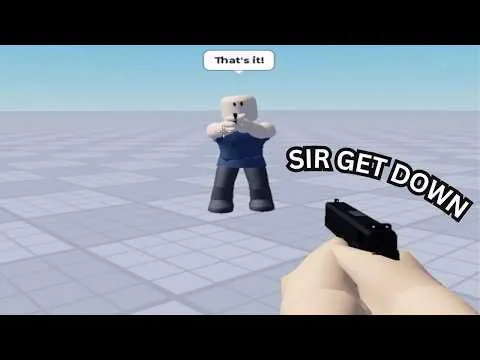
These keys come from PC sessions. They are not a full device map.
Keys
| Input | What the session showed | Limit |
|---|---|---|
| Ctrl | Frees the mouse so menus can be clicked | Hold it again if the cursor locks |
| Mouse | Aims and uses the selected tool | Standard Roblox look and move still apply |
| K | Opens the Sandbox entry and a Robux prompt | Sandbox mode is a separate pass |
| F | Entered or drove a nearby car | Seen in one session, not listed in the description |
| R | Reset the scene in a 6 November 2026 tour | Confirm the prompt if your build labels it differently |
A short 19 October clip that links this place also mentions a slow mode. The 6 November tour shows slow motion as a sandbox label. Neither clip publishes a key that is guaranteed on every device.
Menu order
After Ctrl, the recorded menus include Weapons, Sandbox, Maps and Scenarios. One tour also shows a shop entry beside slow motion, sandbox and weapons. Use Weapons for a tool, Maps or Scenarios for the scene, and Sandbox only when you mean to open the paid entry.
Giving a weapon to an NPC was demonstrated, but the exact give-gun key was not recorded. Use the prompt that appears next to the NPC.
Cars and NPCs
F is the recorded drive input. NPCs in the city sometimes fired back after they were given weapons, and they sometimes called the police. Police arrival was not consistent: one clip shows them shooting, another shows them leaving. Do not plan on a fixed response.
Troubleshooting
- The cursor will not leave the camera: click the game viewport, then hold Ctrl.
- K opens a purchase prompt: that matches the recorded Sandbox entry. The free set is still in the normal weapon menu.
- A phone or controller button does not match this table: follow the Roblox prompt. No complete touch or controller sheet was found.
- You expected another ragdoll game's keys, such as a ragdoll toggle on F: those belong to other experiences. F in the recorded session for this place drove a car.
Related pages: first session, Sandbox mode, maps.